How to Make Your Code Style Great Again
Maxim Abramchuk is a Rubyroid Labs Developer, keen on making the world around him better. This concerns his work as well. We have asked Maxim to tell our readers an easy way to make your code style great again. Check it now.
Why code style is important?
OK, having code style is good, but why is it important. There are a few reasons for that:
- Convention
- Consistency
- Awesomeness
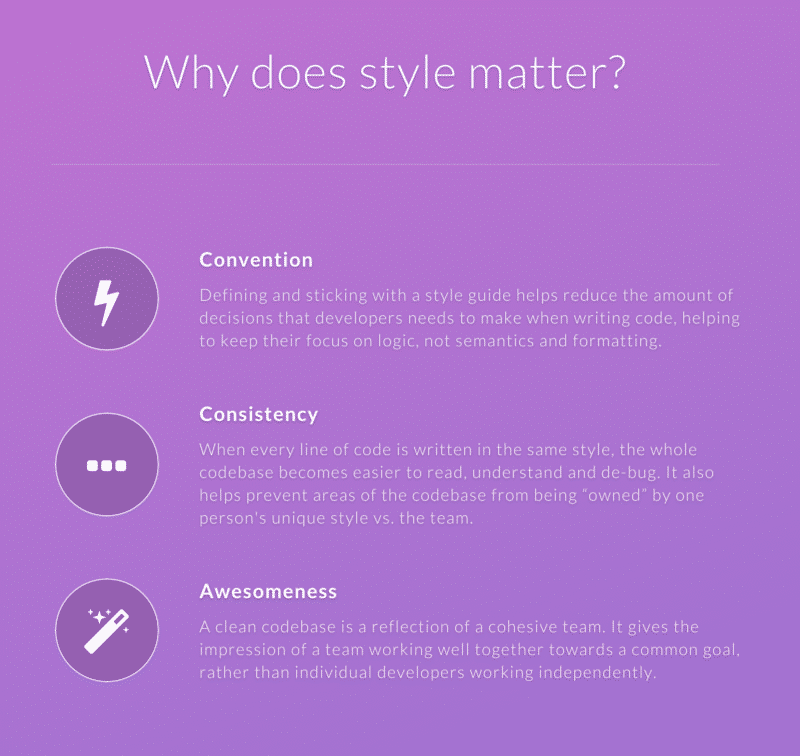
As you see, there is more than one answer why you should keep it clean. But it’s hard to find a developer, who would enjoy spending hours on such menial job. Luckily, you don’t have to. And what is the best thing about it, it wouldn’t even cost you a penny. Of course, if you want to take an easy way, you can always pay $12 for HoundCI, but we know a better way to do this.
How to improve code style for free?
Recently CircleCI was made free for private Github repository, so it was worth trying out instead of Jenkins.
One of great things about Ruby on Rails, is that you can always find a bunch of gems for any needs.
I came across ruby gem pronto, which provides the following functionality.
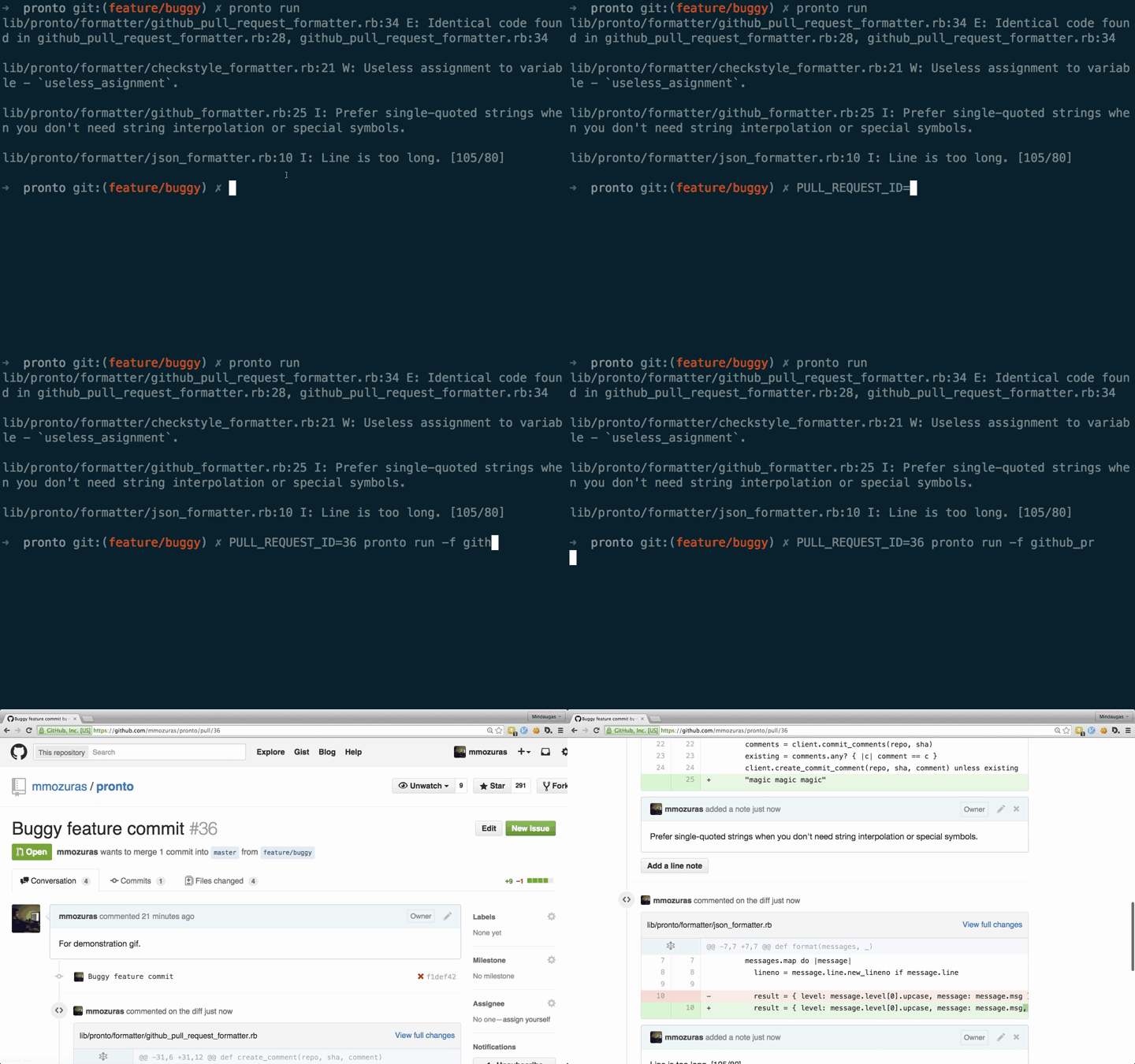
It works really easy from a local computer, but we can get even more from that. My idea was to setup it all from a remote CircleCI, so that it works every time Rails application is built. Bash script couldn’t have been better for that. To do so I needed 2 major things:
- Github access token
- ID of the pull request being built
Getting the token is pretty easy, CircleCI automatically sets a bunch of environment variables:
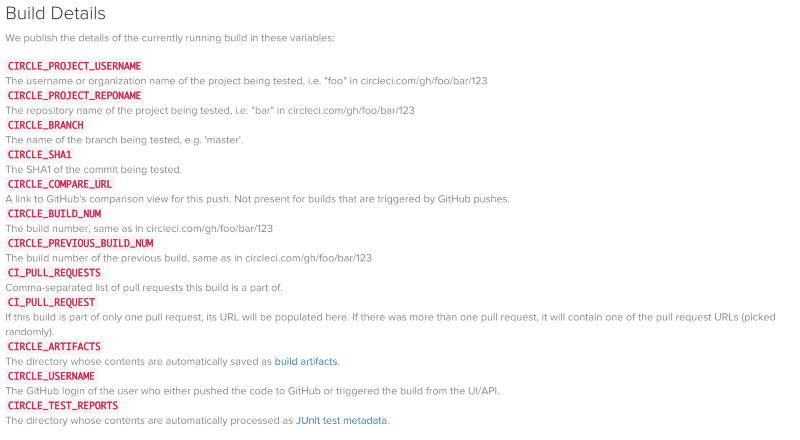
Now, let’s find out the pull request.
Finding out Pull Request ID
Unfortunately CircleCI doesn’t give the ID so easily. But after some investigation I managed to find a variable CI_PULL_REQUEST, containing a PR url like https://github.com/rails/rails/pull/20554. So, I created a regexp to get the PR number from the URL:
[ruby]$PULL_REQUEST_URL | grep -o -E ‘[0–9]+$’ |
head -1 | sed -e ‘s/^0\+//’[/ruby]
Now we have PULL_REQUEST_ID and GITHUB_ACCESS_TOKEN. Looks like everything is ready, right? But after you try to run Bash script, you will figure out that CircleCI does a shallow clone of the repo, which contains only part of the commits. What you need to do is to override CircleCI checkout process and specify a depth of fetching to 1 million commits.
How to override CircleCI checkout process
Gist with all the necessary code is here.
Add gem pronto to your Gemfile.
Add other gems according to your needs (ruby, scss, coffee, js and etc).
https://github.com/mmozuras/pronto#runners
Here you can find list of other gems, such as pronto-rubocop, pronto-scss, pronto-coffeelint to be able to setup the linters you want.
- Add to your .circle.yml following lines:
[ruby]
dependencies:
post:
— bin/cisetup
 
checkout:
post:
— git fetch origin — depth=1000000[/ruby]
- Create an executable file called cisetup (or whatever you wrote in .circle.yml) with following lines in it:
[ruby]export GITHUB_ACCESS_TOKEN=<your_github_access_token>
export PULL_REQUEST_URL=${CI_PULL_REQUEST}
export PULL_REQUEST_ID=`echo $PULL_REQUEST_URL |
grep -o -E ‘[0–9]+$’ | head -1 | sed -e ‘s/^0\+//’`
((bin/bundle exec pronto run -f github_pr -c origin/master)) || true[/ruby]
- Now you are good to go
Enjoy your perfectly styled code with minimum efforts made.
Questions? Comments? Let’s talk about them in the comments section below.